Webmap Basic Usage
Une fois le module complémentaire Webmap installé, vous l'activez depuis Options de JourneyMap et ouvrez-le dans n'importe quel navigateur Web.
Activation de la carte Web
- Ouvrez les options de JourneyMap (appuyez sur
Oou ouvrez la carte en plein écran et cliquez sur Options). - Accédez à la catégorie Carte Web.
- Activez Activer la carte Web.
Si l'option avancée Annonce Mod est activée (valeur par défaut), JourneyMap publie l'adresse de la carte Web dans le chat une fois lorsque vous rejoignez un monde. Le port résolu est également écrit dans le journal de jeu.
Voir Paramètres pour l'option de port et comment la sélection du port fonctionne.
Ouverture de la carte Web
Ouvrez un navigateur Web et accédez à :
http://localhost:8080/
Remplacez 8080 par le port affiché dans le chat s'il diffère (par exemple
si le port 8080 était déjà utilisé).
Pour afficher la carte depuis un autre appareil sur le même réseau, remplacez
localhost avec l'adresse IP locale de l'ordinateur exécutant
Minecraft, par exemple http://192.168.1.20:8080/.
Controls
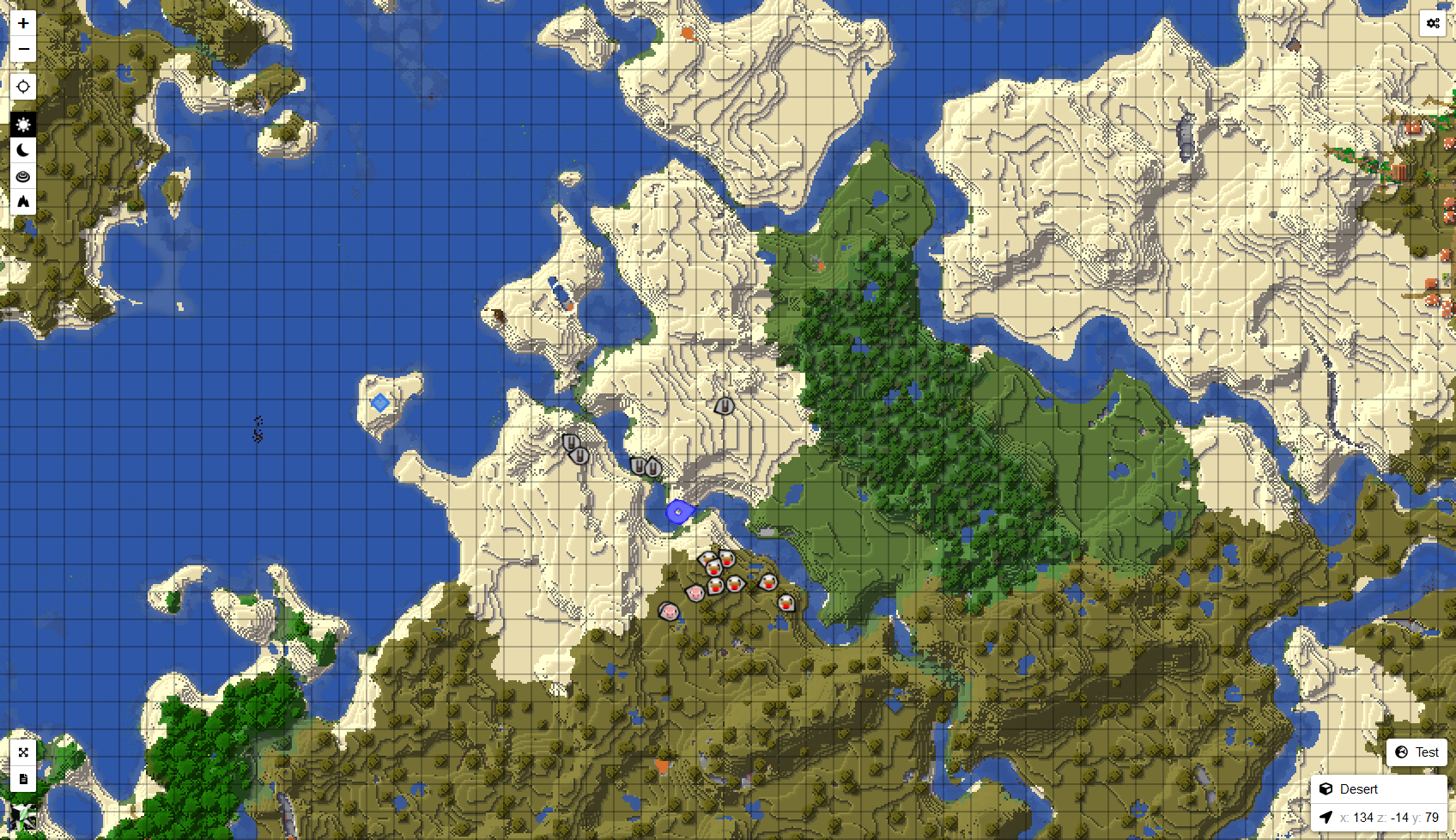
- Pan - cliquez et faites glisser.
- Zoom - molette de la souris.
- Type de carte - basculez entre les cartes de jour, de nuit, topographiques et de grottes.
- Dimension - basculez entre les dimensions que vous avez explorées.
- Waypoints - vos waypoints sont affichés sur la carte Web.